Download inoBrowser

Free for up to 3 profiles. macOS, Windows and Linux.
Version 0.1.15November 17, 2026What’s newOther systems
inoBrowser
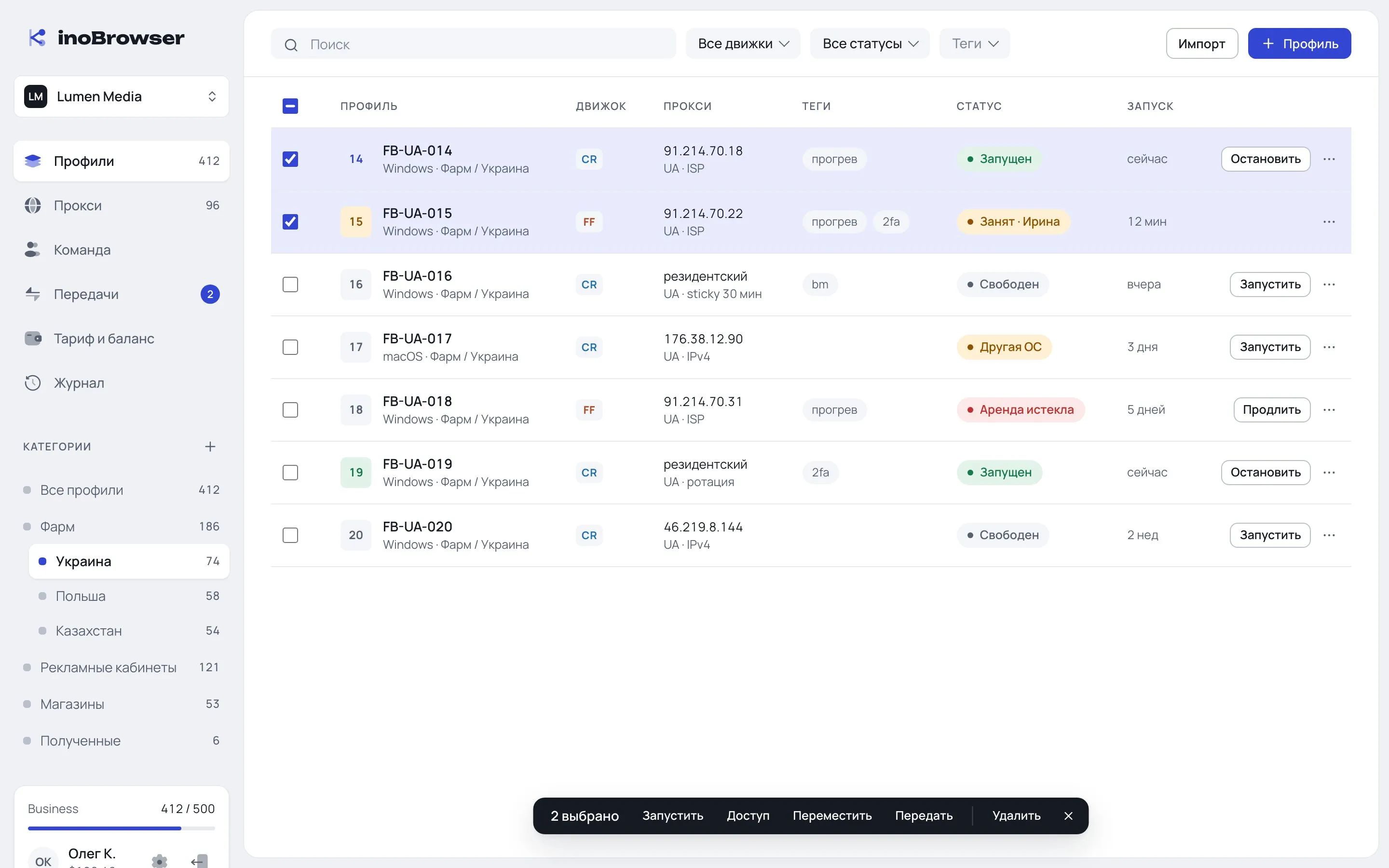
inoBrowser profile list: categories, engines, proxies, statuses
Builds

All systems

Version 0.1.15 for every system. Updates arrive in the app automatically.

Requirements

System requirements

macOS12 Monterey or laterApple Silicon or Intel
WindowsWindows 10 and 1164-bit
Linuxx86‑64AppImage
NetworkInternet connectionProfiles sync with the server when they open and close
EnginesDownloaded on first launchFirefox and Chromium per profile, the Android image is about 200 MB
Profile OSSame as the computerA profile is created with the computer’s OS and opens on the same OS
macOS

If macOS won’t open the app

The build isn’t signed by Apple yet, so macOS will ask for permission on first launch. Just once.

  1. 01

    Launch it and dismiss the warning

    Drag inoBrowser from the .dmg to Applications and open it. macOS can’t verify the developer — click “Done”.

  2. 02

    Open the security settings

    System Settings → Privacy & Security.

  3. 03

    Click “Open Anyway”

    The button is at the bottom, under “Security”. Confirm with your Mac password and click “Open”.

Windows. If a SmartScreen window appears, click “More info” → “Run anyway”.

What’s new

Latest versions

All versions

0.1.15

Current
November 17, 2026
  • New address: inobrowser.run
  • Engine icons for running profiles in the Dock and taskbar
  • Android profiles on an Android 17 image with Chrome 145

0.1.14

November 17, 2026
  • Team rules in account settings
  • Mandatory 2FA for team members
  • Profiles can’t be launched on a computer with a different OS

0.1.13

November 17, 2026
  • Settings: sections on the left and autosave
  • Fixed Android emulator memory

Start with 3 free profiles

© 2026 inoBrowserinobrowser.run