Model and identifiers
IMEI, Android ID and serial number regenerate with one click.
IMEIAndroid IDSerial number
The app downloads the emulator and Android image on first launch.
Models come from real-world data: screen, OS, build, memory and device fingerprint are filled in for you.
Carrier, language and time zone follow the country and IP. The proxy applies to the whole device.
The first download is 181–213 MB, later ones 52 MB: the base image is shared per version.
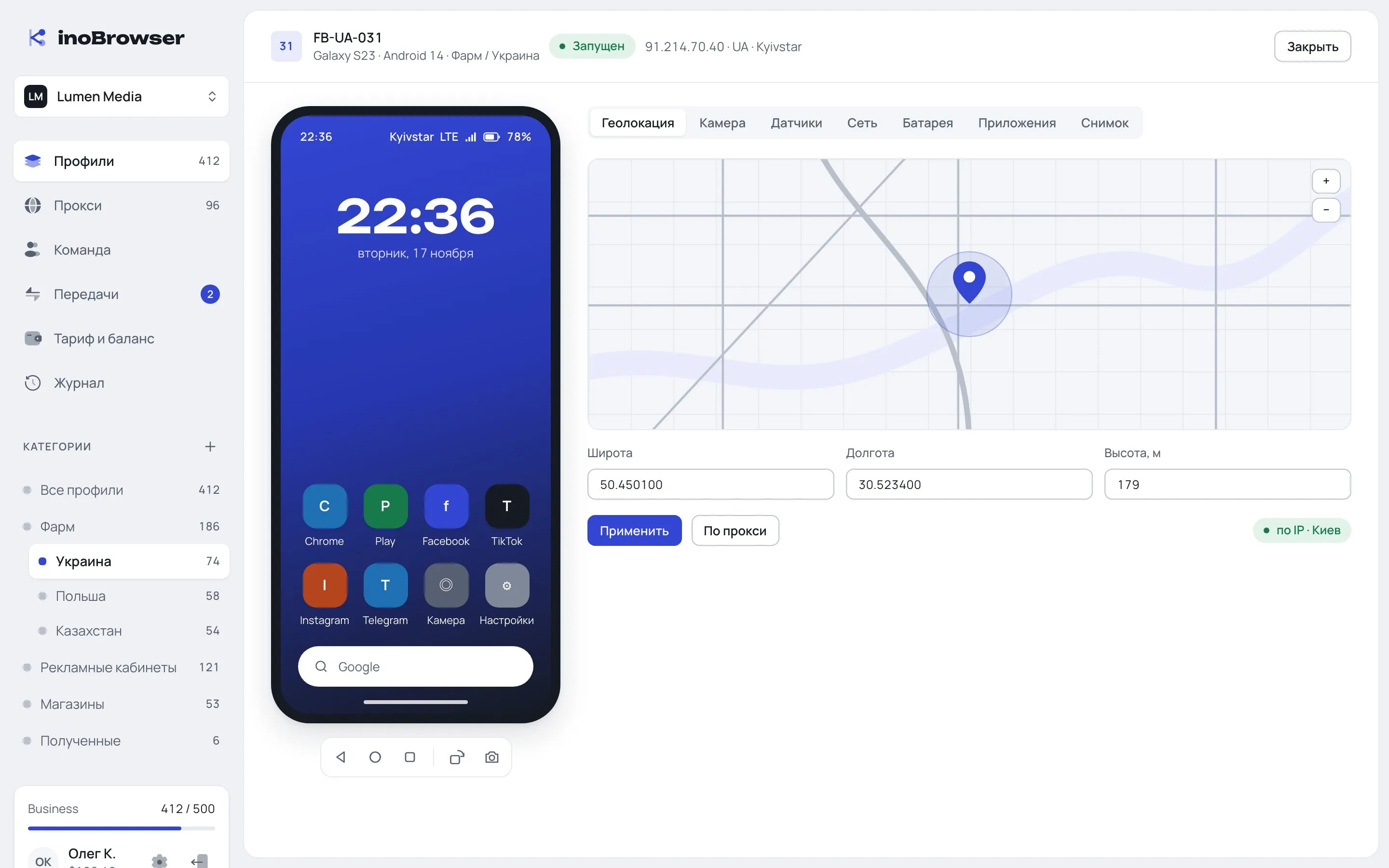
Geolocation on a map, camera from a file, sensors, battery, APK installs.
Each device is a separate profile with its own identifiers, network and sensors.
IMEI, Android ID and serial number regenerate with one click.
Coordinates from the proxy or your own. Carrier and network from 5G down to GPRS, with signal strength.
Rear and front cameras: the emulator room, a file or your computer’s webcam.
Position “on a table”, “in hand”, “upright” or custom. Battery level and USB or wireless charging.
The profile is labelled as emulation in the app. Keep this in mind before choosing a use case.
Yes. A real Android image runs in an emulator on your computer — it’s not a mobile mode of a desktop browser.
The first download is 181–213 MB, later ones 52 MB: the base image is shared by all devices of the same version.
No. Attestation doesn’t pass and isn’t faked, so banking apps, Google Pay and some marketplaces don’t work on Android profiles.
Yes, the proxy applies to the whole device. Time zone, language and geolocation adjust to its IP.