Everything needed to work
The profile opens for the recipient exactly as it was for you.
- Fingerprint
- Profile folder: cookies, localStorage, tabs
- Notes
- Proxy — if the box is checked
Until the transfer is accepted, the sender can cancel it.
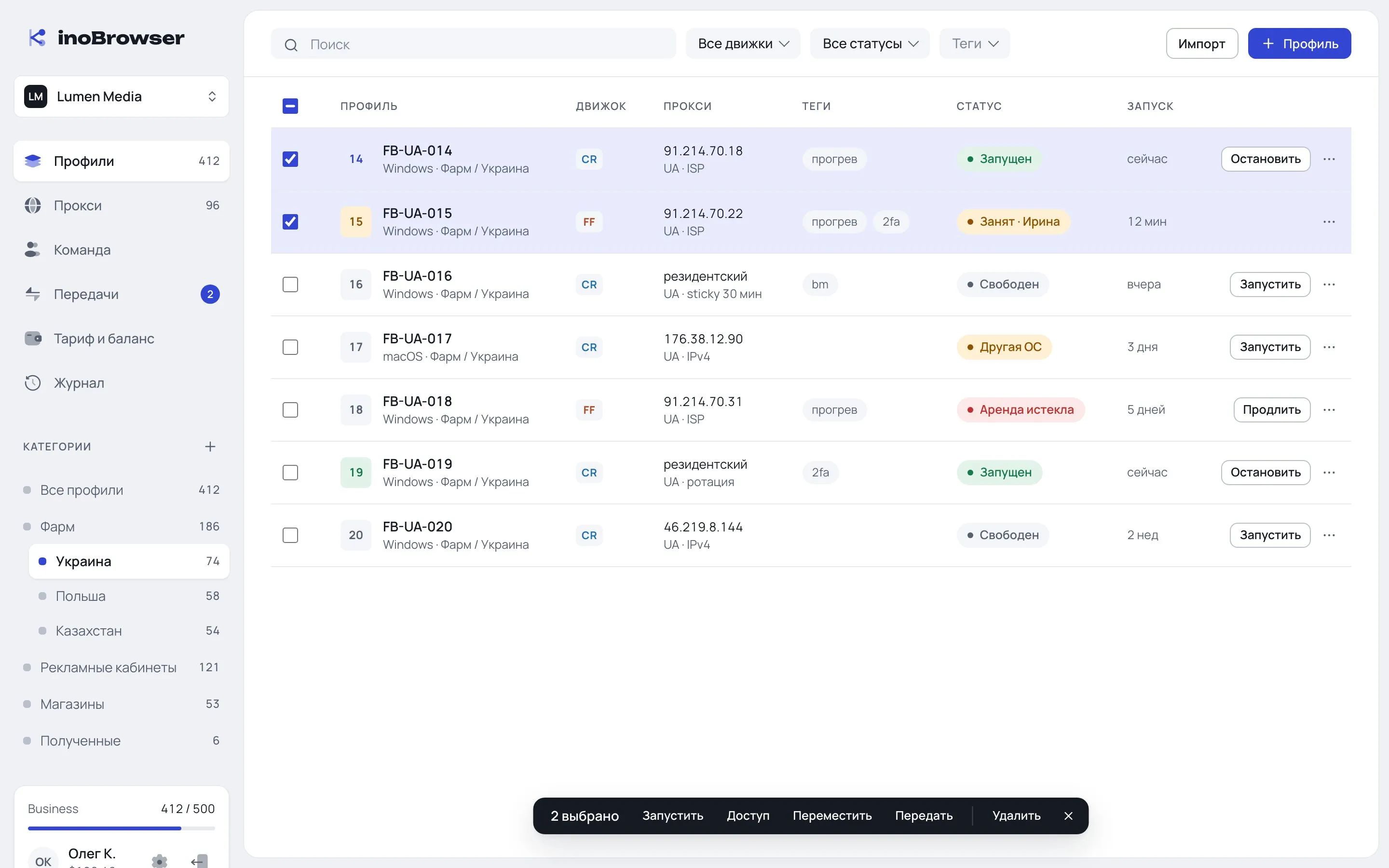
Individual profiles or a whole category.
Account ID or owner email. A “Transfer with proxies” checkbox.
The transfer lands in Incoming. The owner or an admin picks a category or declines.
In a single transaction. The sender’s open sessions are closed.
Folder blocks aren’t copied — only the key owner changes. So transfer time doesn’t depend on profile size.
The profile opens for the recipient exactly as it was for you.
Previous grants are removed on acceptance — the recipient has their own teams and permissions.
Any plan can accept a transfer within its profile limit.
Outgoing transfers are listed under Outgoing with a Cancel button.
If the recipient sets a proxy from another country, the app warns them.
Sending requires Pro. Receiving works on any plan, within the recipient’s profile limit.
On acceptance all previous grants are removed and the sender’s open sessions are closed.
Yes, as long as the recipient hasn’t accepted it.
Only if the sender checked “Transfer with proxies”. Otherwise the proxies stay with the sender.